
Dixar
Dixar - Portfolio & Agency Website Template
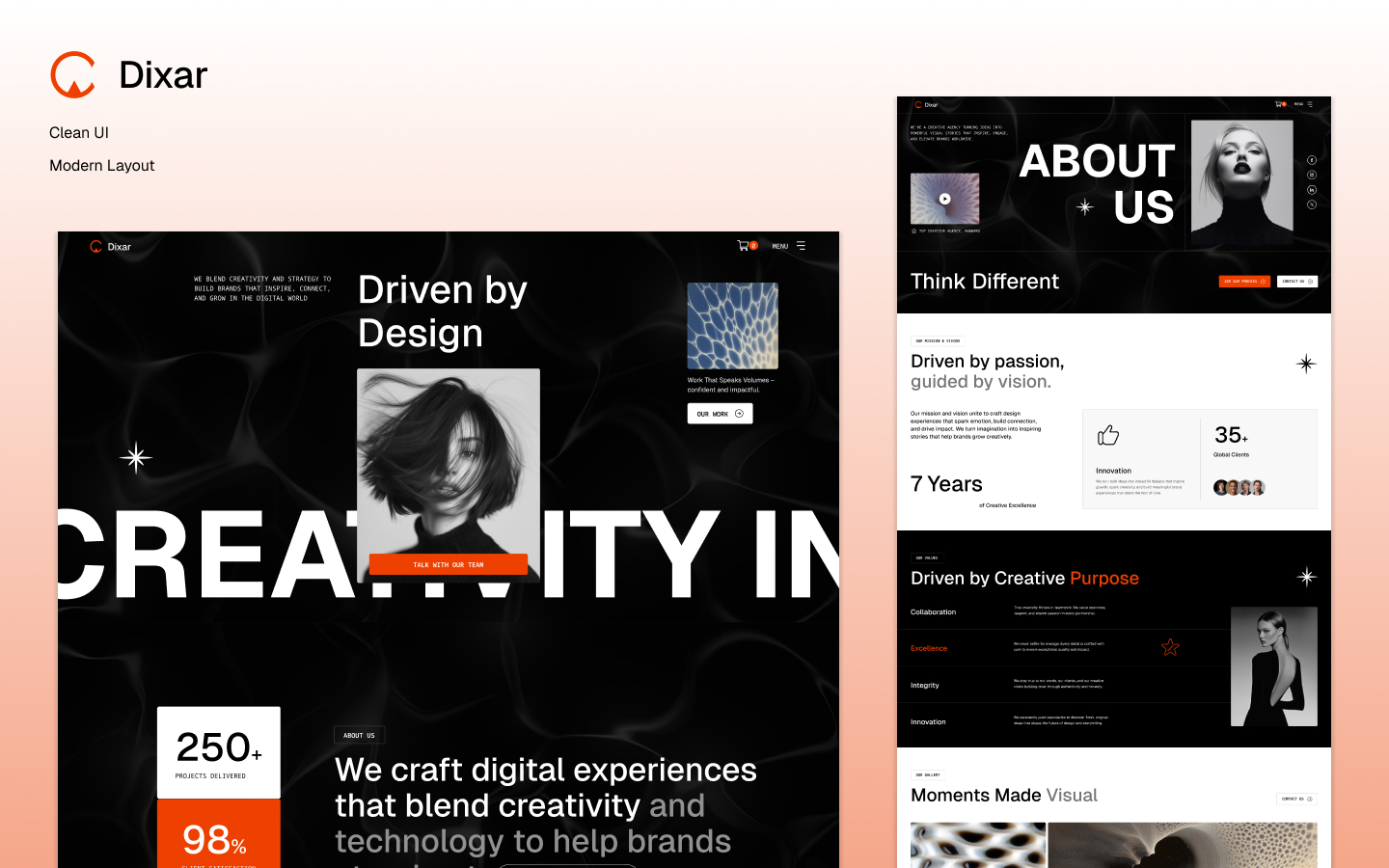
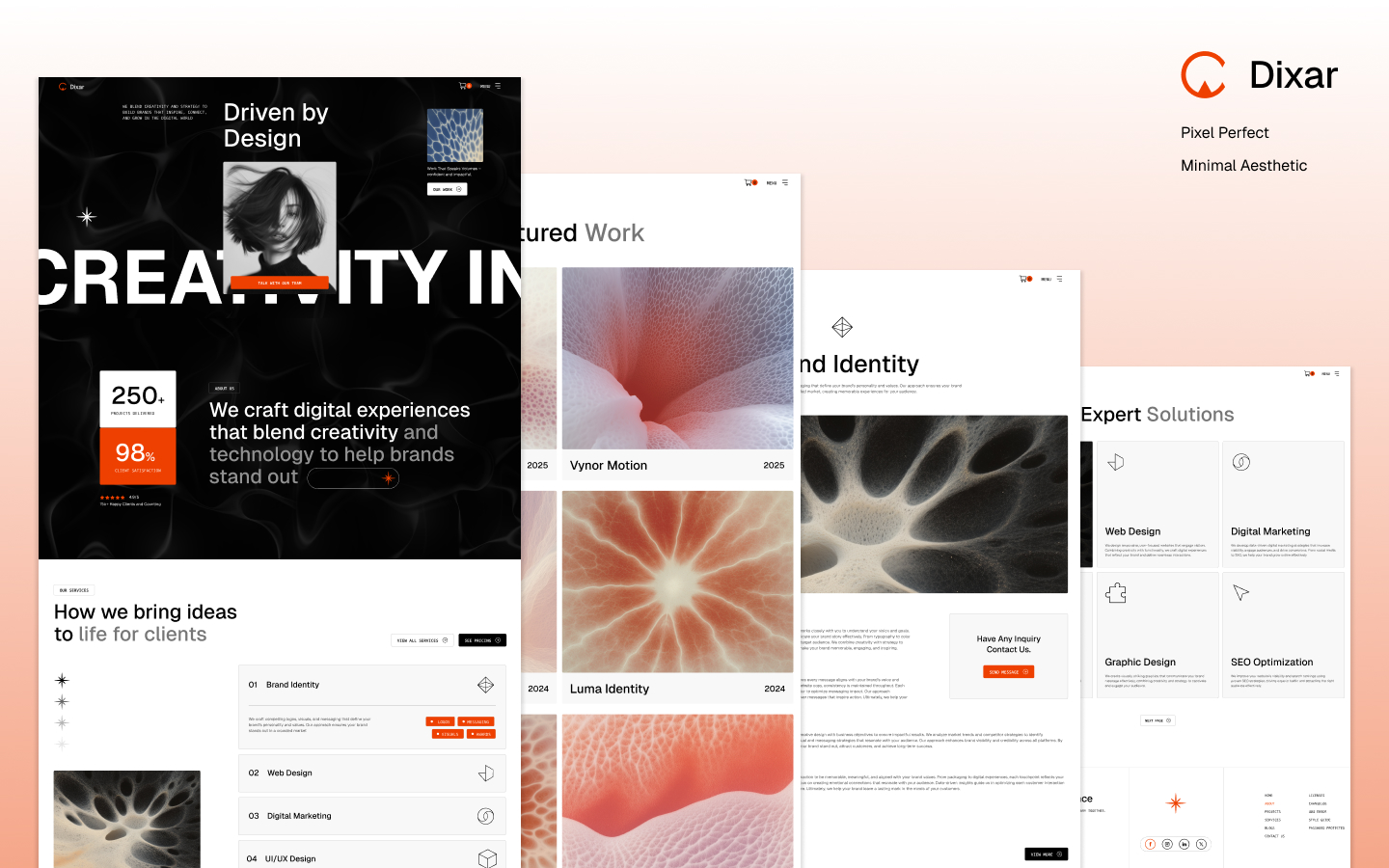
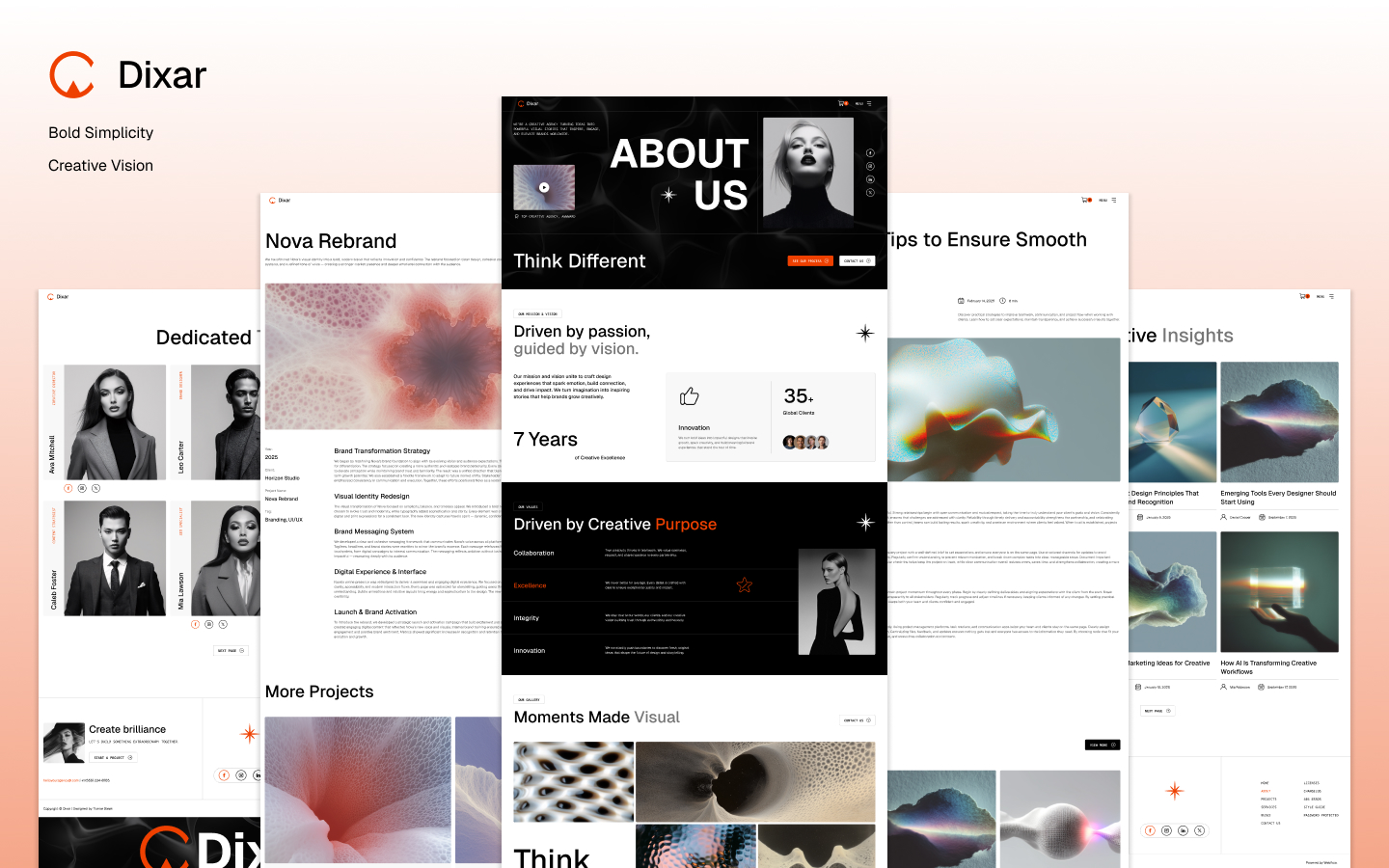
Dixar is a modern, premium Webflow template crafted for creative agencies, digital studios, and design-driven businesses that want a bold and professional online presence.Built with strong visual clarity and creative flexibility in mind, Dixar combines dynamic layouts, clean typography, and impactful visuals to showcase services, projects, and agency expertise effectively.The template is designed to communicate credibility, creativity, and confidence—helping agencies present their work, process, and brand story through an engaging and well-structured web experience.

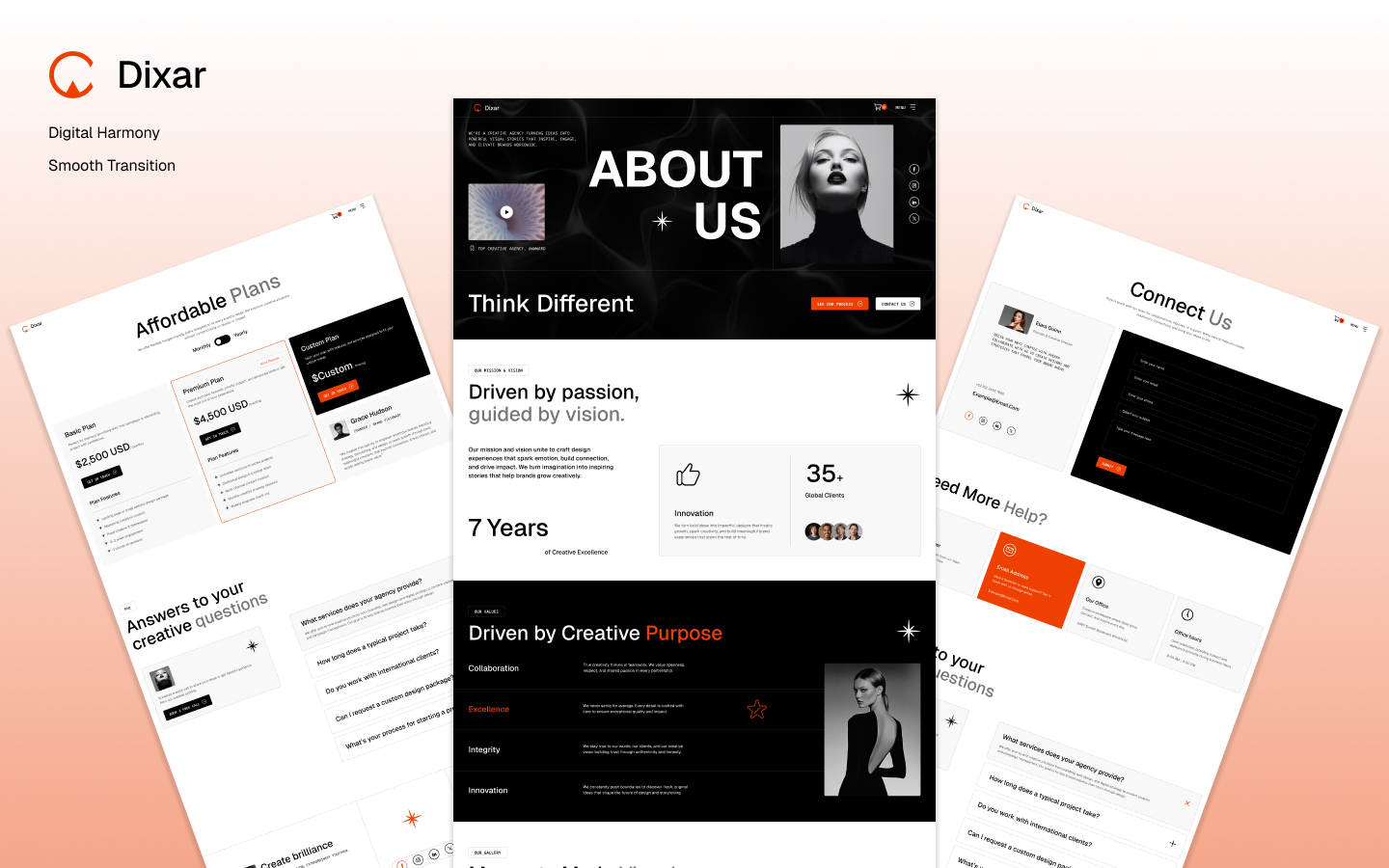
Dixar - Portfolio & Agency Website Template
Introduction
Dixar is a modern, premium Webflow template designed for creative agencies, digital studios, freelancers, and design-focused businesses that want to build a strong and professional online presence.Built with visual excellence and creative flexibility in mind, Dixar combines clean layouts, modern typography, engaging animations, and impactful design elements to showcase services, projects, team expertise, and business achievements effectively.The template is carefully structured to communicate professionalism, creativity, and trust while providing visitors with a seamless browsing experience. Every section is designed to help businesses present their brand story, portfolio, and services in a compelling and organized way.By balancing aesthetics with functionality, Dixar delivers a polished digital experience that helps agencies attract clients, strengthen brand identity, and support long-term business growth.
Main Pages Description
Home Page
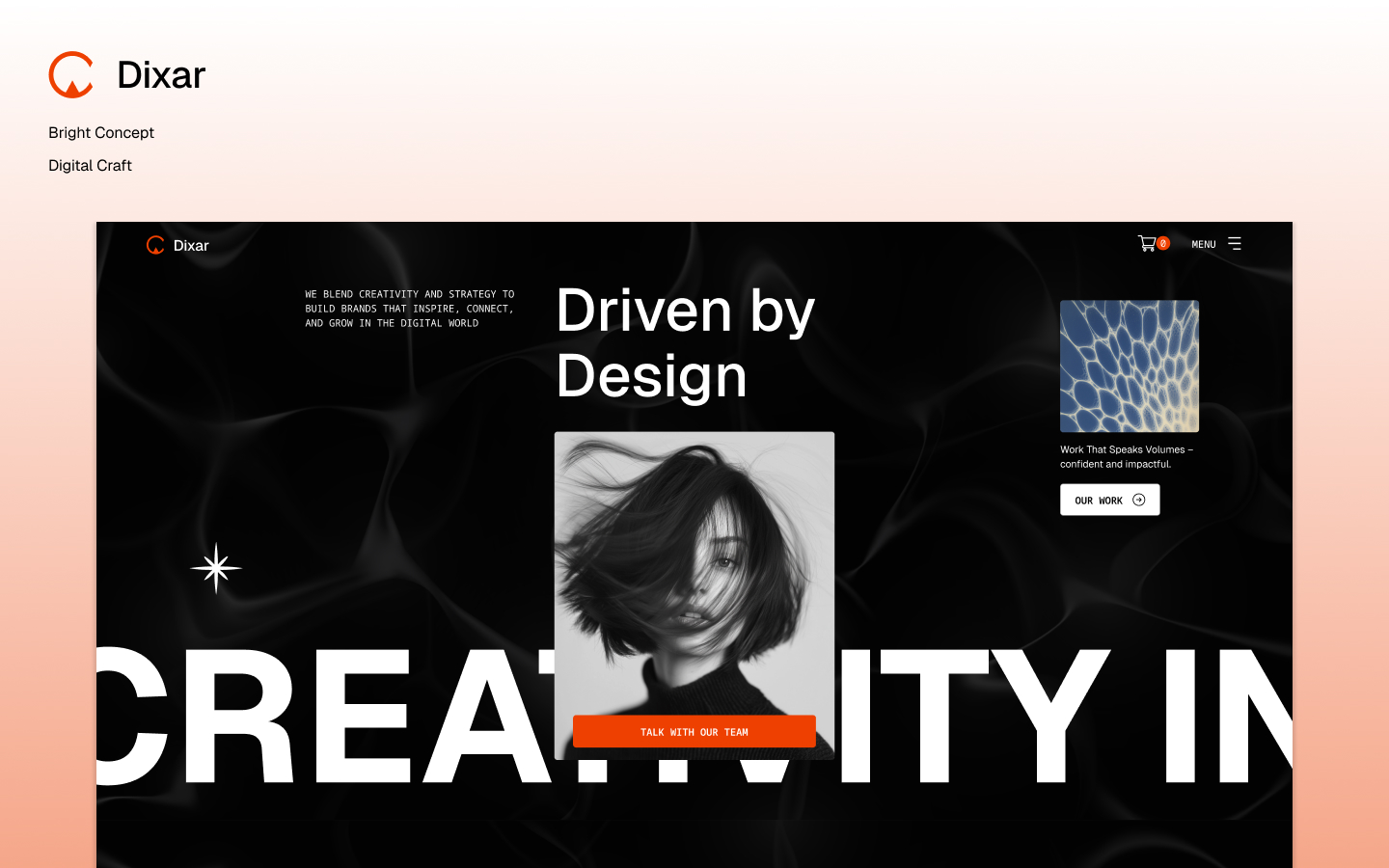
The Home page is designed to create a powerful first impression through modern layouts, engaging visuals, and strategically organized content sections.
It introduces the agency, highlights key services, showcases featured projects, and provides visitors with clear pathways to explore the website further. The hero section includes compelling headlines, supporting content, and strong call-to-action buttons that encourage engagement.
Key highlights include:
- Modern hero section with CTA buttons
- Featured services showcase
- Project portfolio previews
- Client testimonials
- Business achievements and statistics
- Responsive design across all devices
- Smooth browsing experience
- SEO-friendly content structure
The Home page helps establish credibility and encourages potential clients to learn more about the business.
About Page
The About page is designed to tell the company's story while building trust and credibility with visitors.It provides detailed information about the agency’s mission, vision, values, experience, and creative journey. The page helps businesses present their identity, achievements, and expertise in a professional and engaging manner.
The About page can showcase:
- Company mission and vision
- Core values
- Business journey and growth
- Team culture
- Industry experience
- Creative philosophy
- Client success stories
- Future goals
This page plays a vital role in strengthening brand identity and creating meaningful connections with potential clients.
Services Page
The Services page is designed to present agency services in a clear, organized, and professional format.
Each service section includes detailed descriptions, supporting visuals, and structured content blocks that help visitors understand the company’s capabilities and expertise.
Perfect for showcasing:
- Branding services
- Web design solutions
- UI/UX design
- Web development
- Digital marketing
- SEO services
- Creative consulting
- Business strategy
The page structure improves readability, highlights expertise, and helps increase inquiries and conversions.
Projects Page
The Projects page is designed to showcase completed work, portfolio pieces, and creative case studies.
Through visually engaging layouts and organized project displays, businesses can demonstrate real-world experience and build trust with potential clients.
Project sections may include:
- Project overview
- Client information
- Design process
- Development workflow
- Challenges and solutions
- Results and achievements
- Project galleries
The Projects page helps establish authority and strengthens credibility through professional portfolio presentation.
Blog Page
The Blog page is designed to share valuable insights, industry knowledge, and business updates while improving SEO performance.
The layout includes featured articles, blog categories, and organized content previews that create an enjoyable reading experience.
Ideal topics include:
- Design trends
- Branding strategies
- UI/UX insights
- Marketing tips
- SEO techniques
- Startup growth
- Technology updates
- Creative inspiration
This page helps attract organic traffic, build authority, and strengthen content marketing efforts.
Team Page
The Team page introduces the professionals behind the agency and highlights company culture.
It provides visitors with a more personal connection to the business while showcasing the expertise of team members.
The page can include:
- Team member profiles
- Professional photos
- Job positions
- Short biographies
- Social media links
- Skills and expertise
This page improves transparency, credibility, and client trust.
Contact Page
The Contact page helps visitors connect with the business quickly and efficiently.
It includes professionally designed contact forms and multiple communication methods that encourage inquiries and project discussions.
The page may include:
- Contact form
- Business email
- Phone number
- Office address
- Social media links
- Business hours
- Location map
The responsive design ensures accessibility across all devices.
Price Plan Page
The Price Plan page is designed to present pricing packages in a clear and conversion-focused format.
It helps businesses showcase service plans, package details, and pricing information in an organized structure.
Features may include:
- Pricing tables
- Package comparisons
- Plan benefits
- Feature lists
- FAQs
- Call-to-action sections
The page helps visitors make informed purchasing decisions more efficiently.
CMS Pages
Service Details Page
The Service Details page provides comprehensive information about individual services.
It allows businesses to explain their processes, benefits, and solutions in greater detail through visually structured content.
The page may include:
- Service overview
- Key benefits
- Workflow explanation
- Process sections
- FAQs
- CTA banners
- Supporting visuals
This page helps improve engagement and increase conversion opportunities.
Project Details Page
The Project Details page showcases individual projects and case studies in depth.
It provides visitors with insights into project objectives, creative processes, and final outcomes.
Sections may include:
- Project overview
- Client goals
- Strategy and planning
- Design process
- Development workflow
- Project gallery
- Results and achievements
This page helps strengthen credibility through real-world success stories.
Blog Details Page
The Blog Details page is designed to provide a comfortable and engaging reading experience for individual articles.
Its clean layout and professional typography ensure excellent readability across devices.
Features may include:
- Featured image
- Author information
- Categories
- Rich text content
- Images and videos
- Quote sections
- Related articles
- Social sharing options
The page supports SEO performance and audience engagement.
Price Plan Details Page
The Price Plan Details page provides extended information about specific pricing packages and service plans.
It helps users better understand package features, benefits, and limitations before making a purchase decision.
The page may include:
- Detailed feature lists
- Plan benefits
- Service inclusions
- Upgrade options
- Enterprise solutions
- Support information
- CTA sections
This page improves purchasing confidence and decision-making.
Ecommerce Pages
Checkout Page
The Checkout page is designed to provide a smooth and secure purchasing experience.
Its structured layout allows customers to complete transactions efficiently while maintaining a professional appearance.
The page can support:
- Product purchases
- Service payments
- Subscription plans
- Billing information
- Customer details
- Secure transactions
The responsive design ensures seamless performance across all devices.
Order Confirmation Page
The Order Confirmation page appears after a successful purchase or transaction.
It provides customers with confirmation details and clear guidance regarding the next steps.
The page may include:
- Confirmation message
- Order summary
- Transaction details
- Customer information
- Thank-you section
- Next-step instructions
This page helps create a positive final interaction with customers.
Utility Pages
404 Page
The 404 Page is designed to improve user experience when visitors encounter unavailable pages.
Instead of a basic error message, the page provides a professional and visually engaging experience.
The page may include:
- Clear error messaging
- Return-to-home button
- Navigation assistance
- Helpful recommendations
- Modern visuals
This helps reduce frustration and keep visitors engaged.
Password Protected Page
The Password Protected Page is designed for restricted-access content while maintaining visual consistency across the website.
It can be used for:
- Private projects
- Client-only content
- Membership areas
- Exclusive resources
- Protected materials
The page remains modern, secure, and user-friendly.
Changelog Page
The Changelog Page keeps users informed about template updates and improvements.
It may include:
- Version history
- New features
- Performance improvements
- Design enhancements
- Bug fixes
- Compatibility updates
This page provides transparency and helps users stay updated.
Style Guide Page
The Style Guide Page serves as the complete visual reference for the template.
It showcases reusable design components and styling standards used throughout the website.
The page may include:
- Typography styles
- Buttons
- Forms
- Color palette
- Cards and containers
- Spacing system
- Rich text styles
- UI components
This page simplifies customization and future development.
Licenses Page
The Licenses Page provides information about all assets and resources used within the template.
It may include:
- Font licenses
- Image credits
- Icon attributions
- Third-party resources
- Asset usage information
The page ensures clear and professional documentation.
Conclusion
Dixar is a modern and professional Webflow template built for creative agencies, digital studios, freelancers, and portfolio-focused businesses that want to establish a premium online presence.With beautifully designed pages, dynamic CMS functionality, responsive layouts, and a conversion-focused structure, Dixar provides everything needed to create a high-quality agency website. From showcasing services and projects to publishing blogs and presenting pricing plans, every section is crafted to improve user experience and strengthen brand identity.The template combines visual elegance, flexibility, SEO-friendly architecture, and professional design standards to help businesses attract clients, increase credibility, and grow their digital presence effectively.Whether you're launching a creative agency, building a professional portfolio, or promoting digital services, Dixar offers the perfect foundation for a modern and impactful online experience.


One-time Payment
Free Figma File
Speed Optimized Design
Commercial License
Need help to customize this Webflow Template?
Features
- Instant Access to Webflow Template
- SEO Optimized
- Retina Ready
- Custom 404 Page
- Responsive Navigation
- Interactive Elements
- Content Management System (CMS)
- Forms, Symbols, CSS Grid


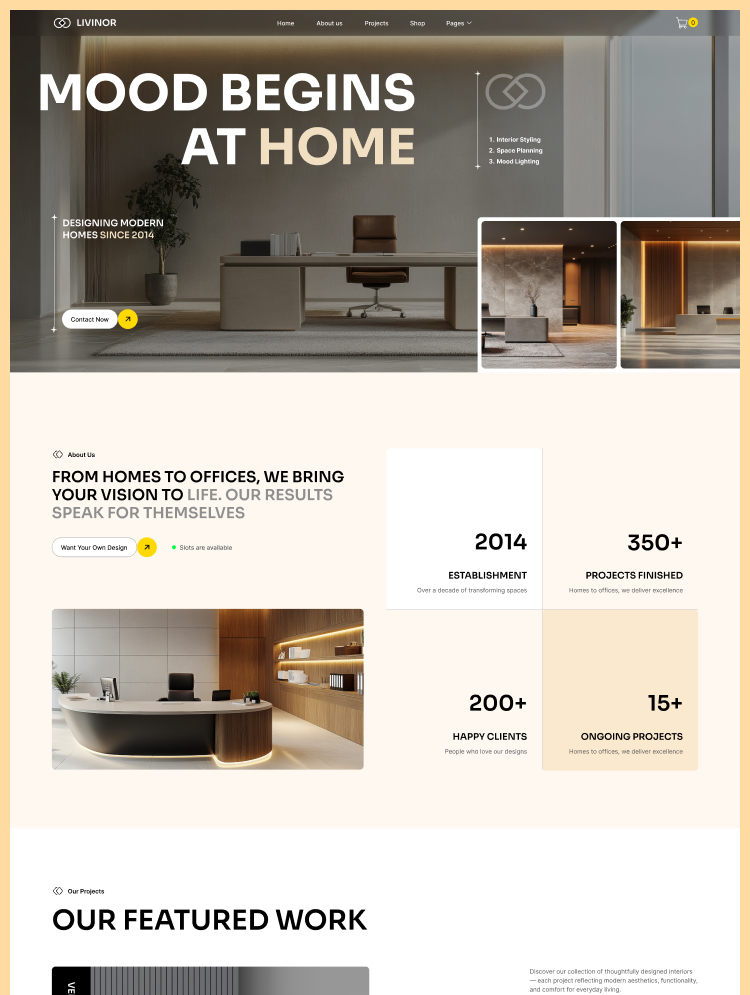

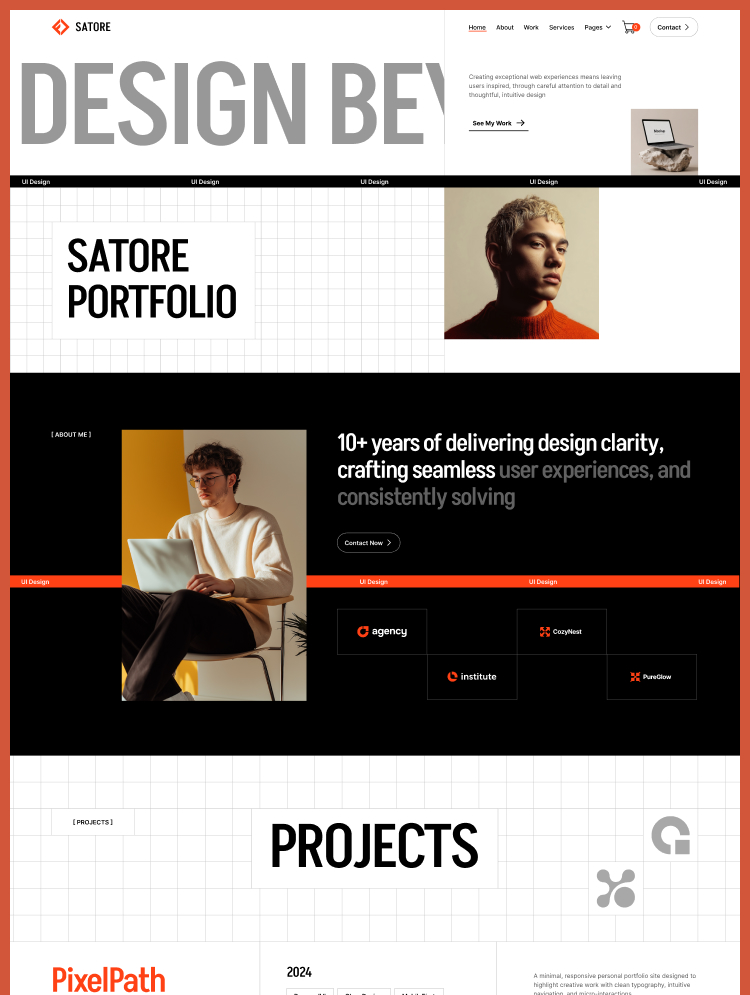
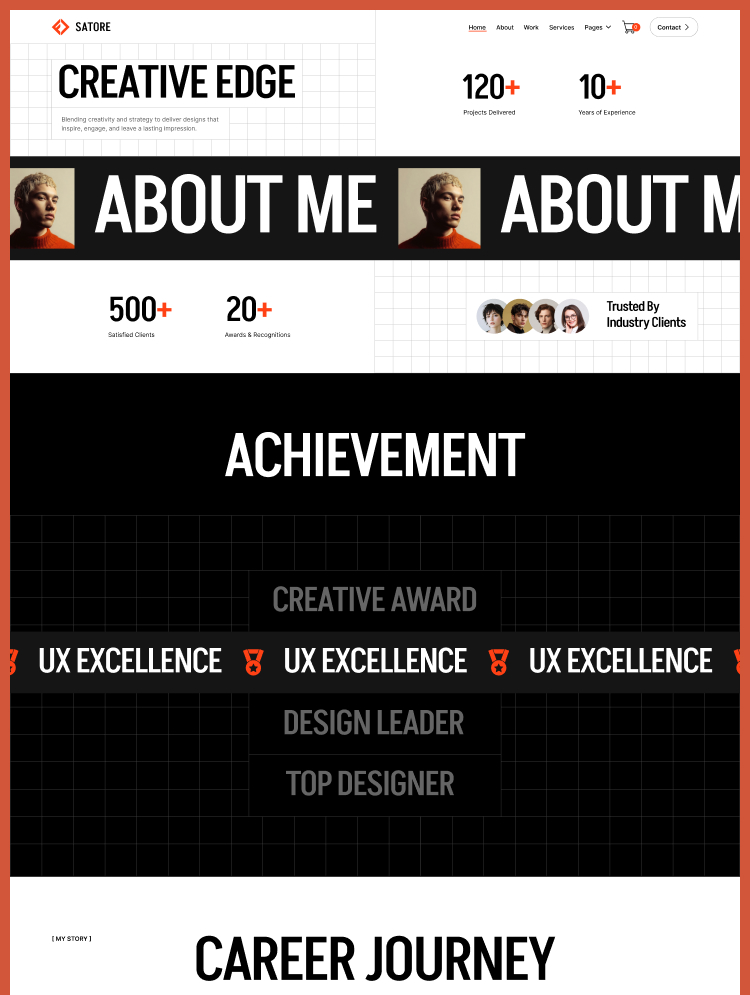
Launch your website quickly, make a lasting impression, and boost your conversions with ease.