

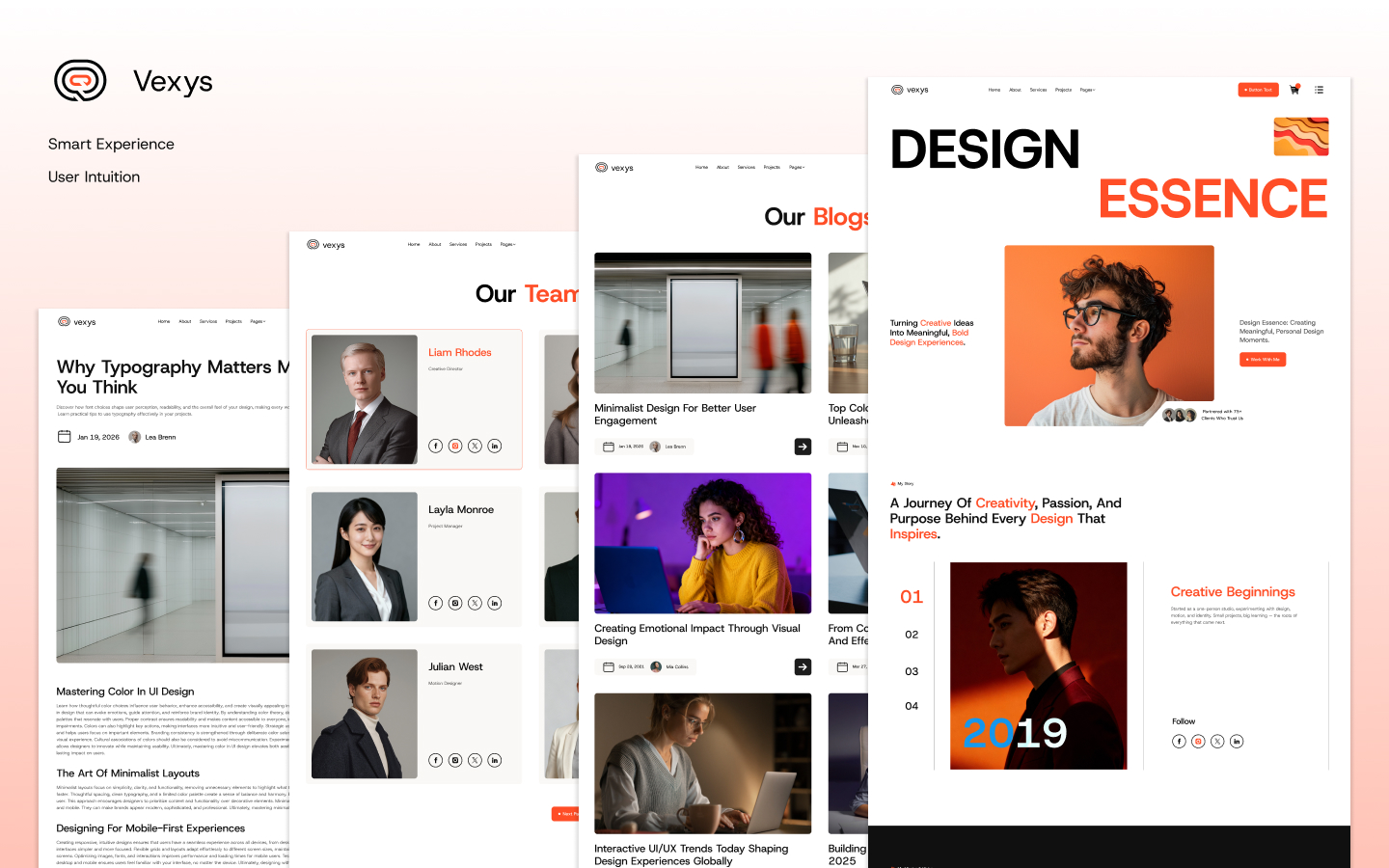
Vexys - Portfolio & Agency Website Template
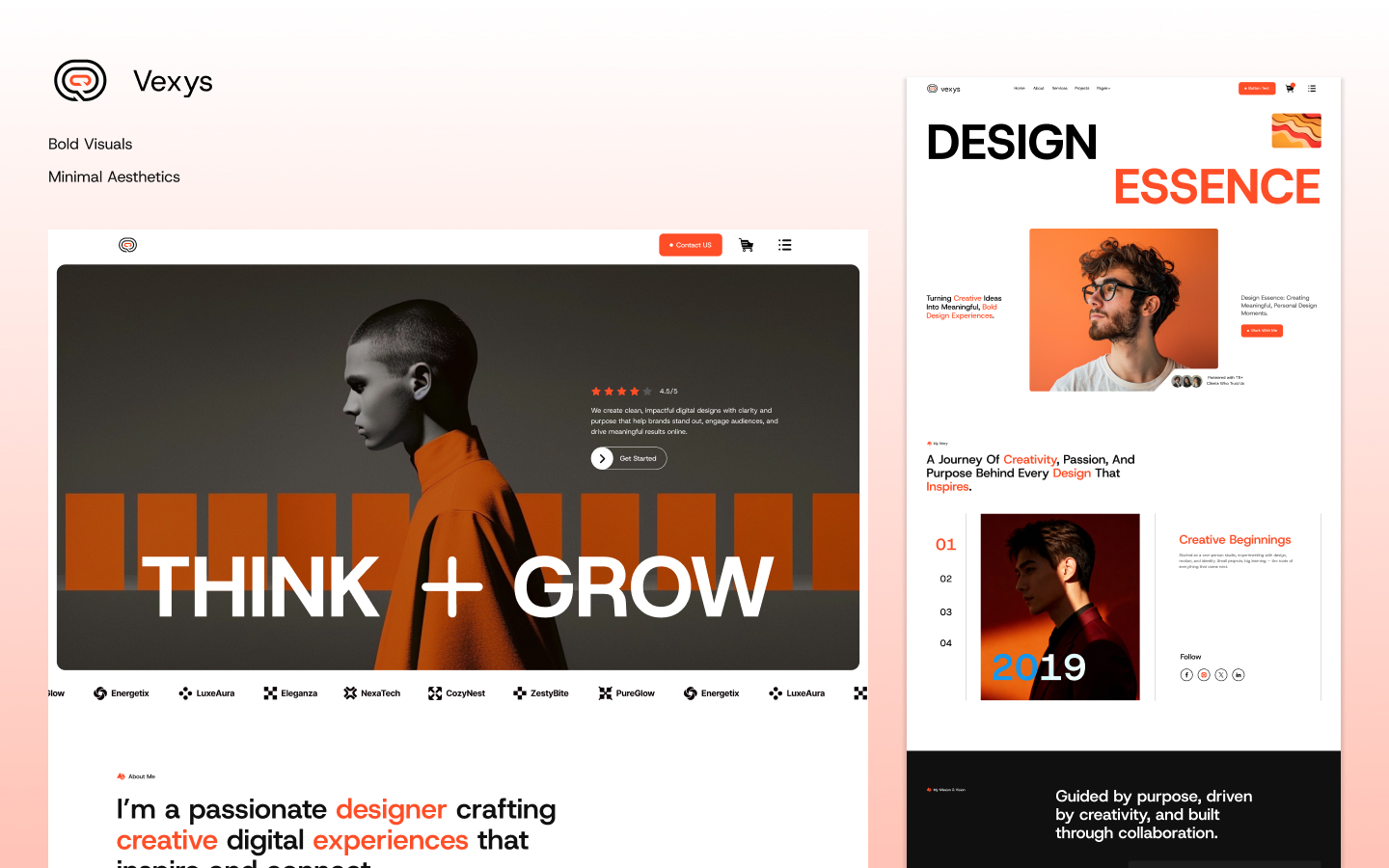
Vexys is a premium Webflow template designed primarily as a high-impact personal portfolio website, though its versatile structure makes it equally suitable for creative agencies, freelancers, designers, developers, or small teams looking to showcase their work professionally. Priced at $79 USD on the official Webflow marketplace (from Theme Sleek, released around early 2026), Vexys stands out with its bold, modern aesthetics, smooth animations, and thoughtful integration of CMS and e-commerce capabilities. It empowers users to build a standout online presence without writing code, leveraging Webflow's visual editor for full customization.
Whether you're a solo creative professional aiming to attract clients or an agency wanting a polished digital storefront, Vexys delivers a high-end feel through dynamic layouts, interactive elements, and a focus on visual storytelling. Its design philosophy emphasizes making your work the hero while providing the tools to manage content efficiently and even monetize services or products.
Feature List of Vexys Webflow Template
Vexys comes packed with modern features that make it a powerful, ready-to-launch solution. Here's a comprehensive list of its key features:
- Responsive & Mobile-First Design — Fully optimized for desktops, tablets, and mobiles with fluid layouts that adapt seamlessly.
- Smooth Interactions & Animations — Includes scroll-triggered effects, hover states, parallax elements, and micro-interactions for an engaging user experience.
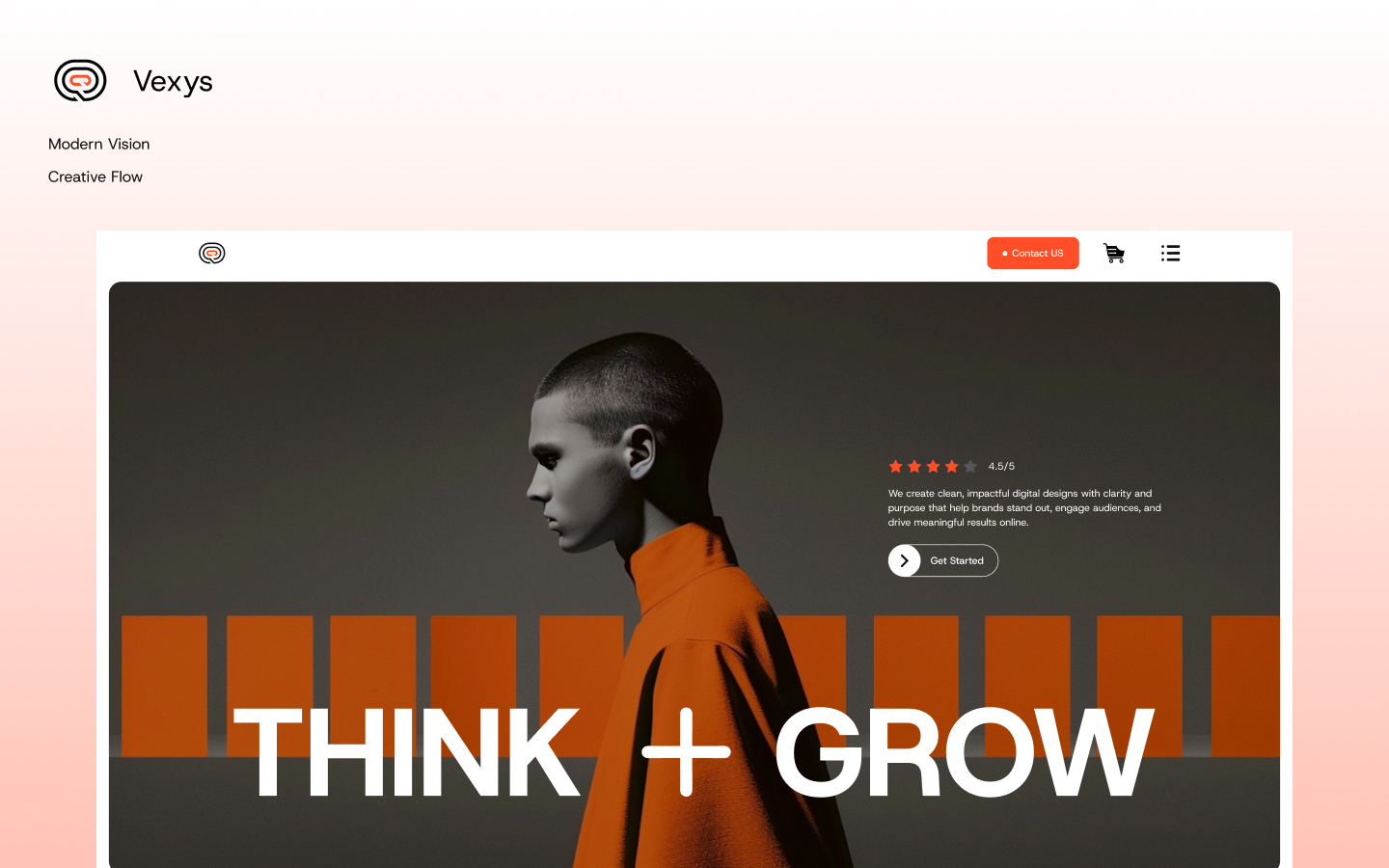
- Bold & High-Impact Visual Layouts — Large hero sections, immersive imagery, and striking typography to make strong first impressions.
- Webflow CMS Integration — Dynamic content management for projects, services, blog posts, and team members.
- E-Commerce Functionality — Built-in support for selling pricing plans, services, or digital products via Webflow Ecommerce.
- Multiple Homepage Variations — Flexible starting points to match different personal or agency branding styles.
- Advanced Navigation — Sticky headers, hamburger menus, smooth scrolling, and possibly back-to-top buttons.
- SEO-Friendly Structure — Clean code output, proper heading hierarchy, alt text support, and fast-loading optimizations.
- Custom 404 & Utility Pages — Professional error pages and supporting pages like style guides.
- Dark/Light Mode Support (potential, common in premium templates) — Easy toggling for user preference.
- Figma Files Included (often standard) — For design tweaks or handoff (check with seller).
- Global Styles & Symbols — Reusable components for consistent branding and quick edits.
- Form Integrations — Contact forms, newsletter signups, and checkout flows connected to Webflow's tools or third-party services.
- Performance Optimized — Lightweight assets, lazy loading, and Webflow's hosting benefits for fast speeds.
- Multi-Language Potential — Easy to adapt for localization if needed.
- Over 20+ Pages & Sections — Comprehensive coverage from marketing to conversion-focused pages.
These features combine to create a template that's not only beautiful but also functional for real-world business use.
Detailed Page Descriptions
Main Pages
- Home Page
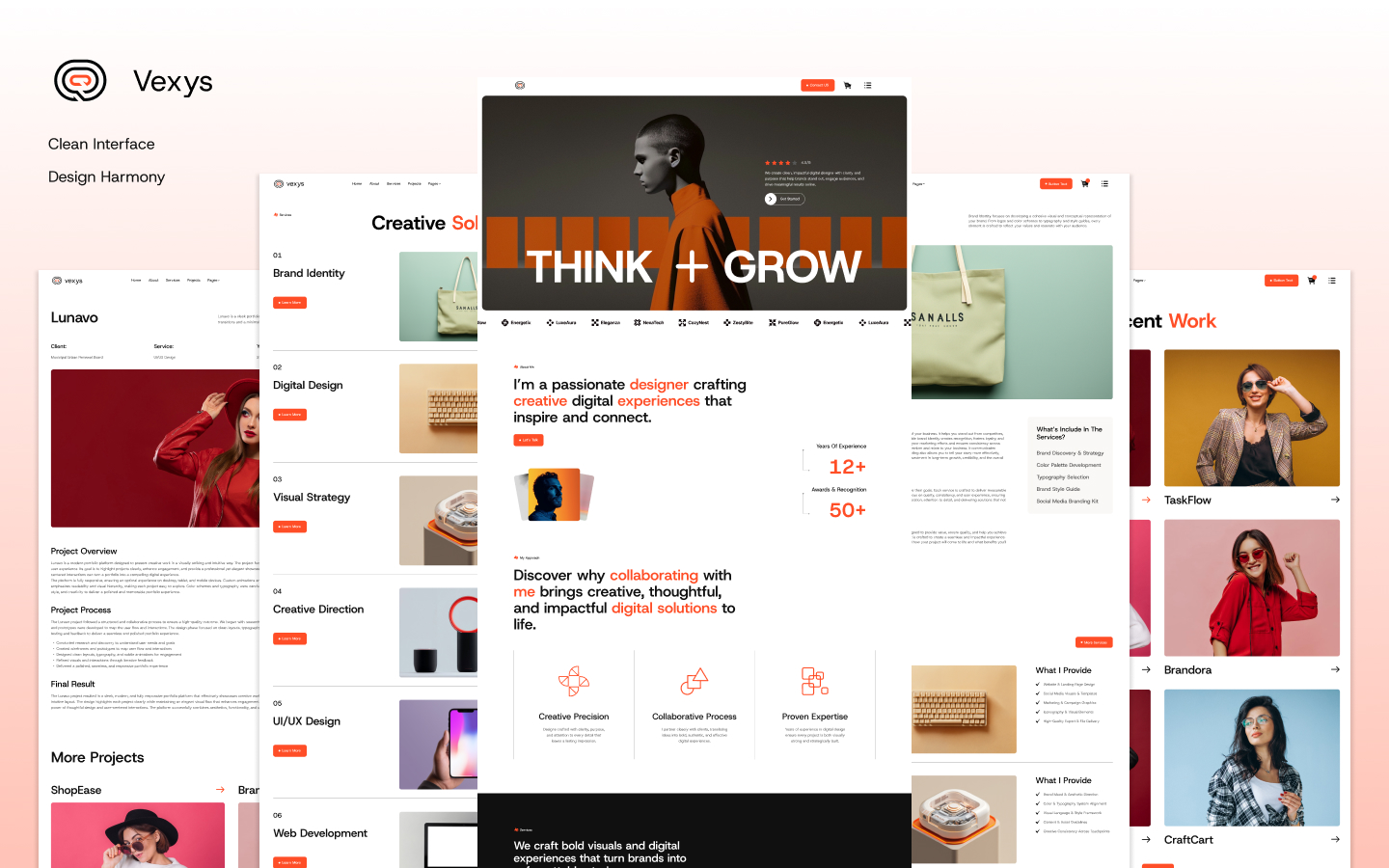
The entry point to your online identity. It features a captivating hero section with bold visuals, your name or brand tagline, and a call-to-action (CTA) to view projects or get in touch. Scrolling reveals sections like recent work showcase (CMS-powered grids or carousels), skill highlights, client testimonials, and a brief about teaser. Smooth animations guide visitors through your story, ending with contact prompts. Ideal for immediate impact. - About Page
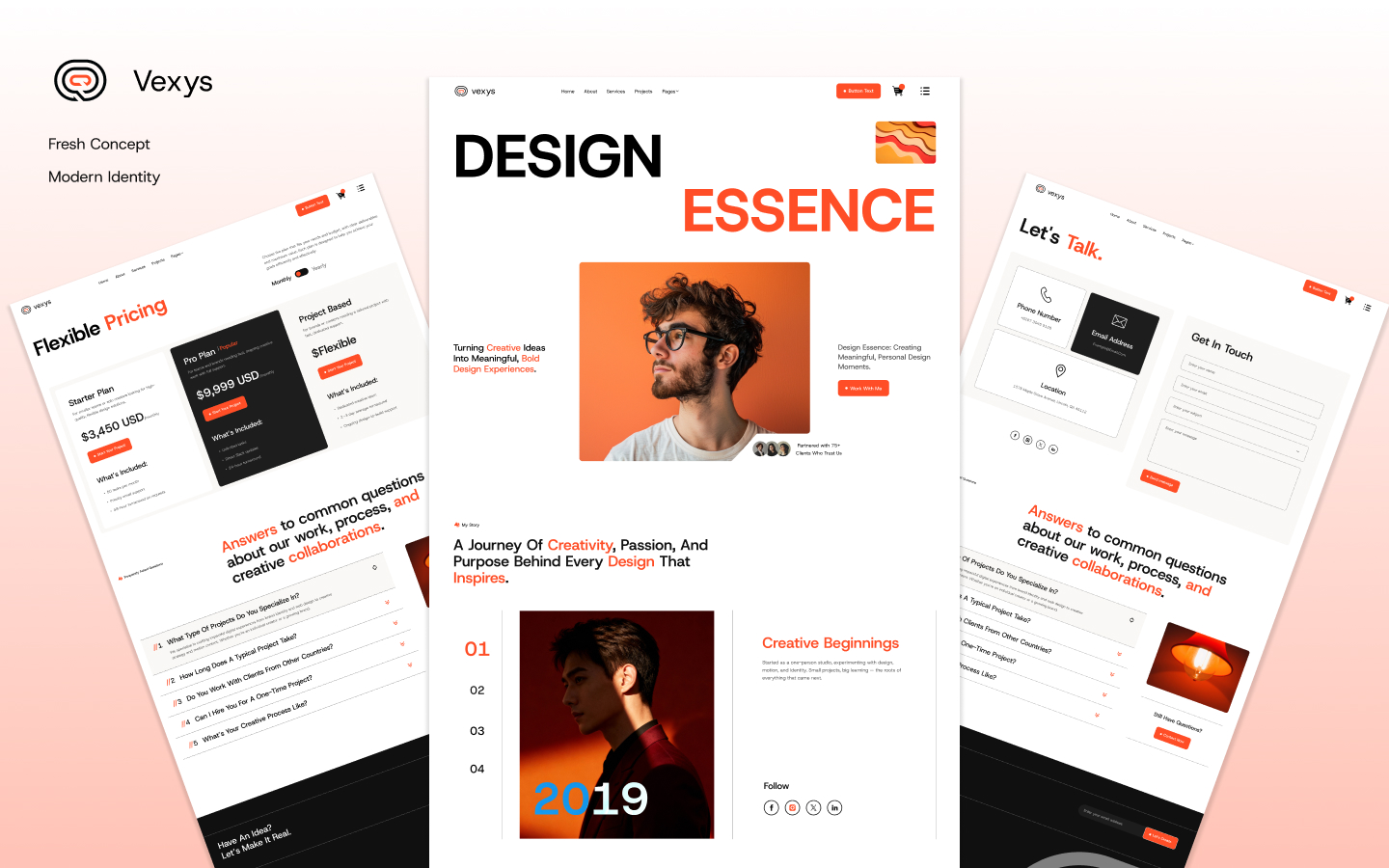
A dedicated space to tell your personal or agency story. Includes a professional photo/bio, timeline of experience, mission/vision statements, values, and perhaps fun facts or awards. Layouts use asymmetrical designs, overlapping elements, and interactive counters for years of experience or completed projects to add personality and build trust. - Services Page
Showcases what you offer, whether freelance services or agency packages. CMS-driven cards or tabs detail each service with icons, descriptions, benefits, and pricing hints. Interactive elements like hover expansions or process steps make it engaging, helping visitors understand how you solve their problems. - Projects Page
The portfolio core. A masonry grid or filtered gallery (CMS collections) displays your best work with thumbnails, categories (e.g., branding, web design), and hover previews. Filters by type/client/year enhance navigation for larger portfolios. - Contact Page
Simple yet effective form with fields for name, email, message, and project details. Includes map embeds (if relevant), social links, email/phone, and perhaps a fun animated element like a floating submit button. Encourages inquiries with reassuring copy. - Blog Page
CMS-powered listing of articles with featured images, excerpts, categories, and search/pagination. Great for sharing insights, case studies, or industry thoughts to boost SEO and position you as an expert. - Team Page
Highlights individuals in an agency setup. CMS cards show photos, roles, bios, skills, and social links. Grid or carousel layouts with hover effects add warmth and humanize the brand.
CMS Pages
- Service Details Page
Dynamic single-service view pulling from CMS. Deep dives into one offering with rich text, images, process breakdowns, pricing tiers, FAQs, and related services/projects. Perfect for conversion. - Project Details Page
In-depth case study template. Hero image/video, project overview, role/challenges/solutions/results, galleries, tech stack, and testimonials. Scroll animations reveal sections for immersive storytelling. - Blog Details PageFull article layout with featured image, rich content (headings, images, embeds), author info, publish date, comments (if integrated), related posts, and social sharing. Optimized for reading on any device.
E-Commerce Pages
- Pricing Plan Page
Displays service packages or subscription tiers in cards with features lists, prices, CTAs, and comparison tables. Highlights popular plans with badges. - Pricing Plan Details Page
Expanded view of a single plan with detailed breakdowns, what's included/excluded, FAQs, and buy button linking to checkout. - Checkout Page
Standard Webflow commerce checkout with cart summary, payment fields, shipping/billing info, and order notes. Clean and secure design. - Order Confirmation Page
Post-purchase thank-you screen with order details, receipt info, next steps, and upsell/cross-sell opportunities.
Utility Pages
- 404 Page
Custom not-found page with fun illustration, search bar, and links back to home/projects. - Password Protected Page
For client preview areas or staging sites, with branded lock screen. - Changelog Page
Tracks template updates or your site's evolution (useful for agencies). - Style Guide
Reference page showing typography, colors, buttons, forms, and components for consistent design. - Licenses Page
Details template usage rights, credits, and legal info.
Why Vexys is the Ultimate Webflow Template?
Introduction to the Power of a Strong Online Portfolio
In today's digital-first world, your website is often the first impression potential clients or employers have of you. For freelancers, designers, developers, photographers, or small agencies, a mediocre site can mean lost opportunities. Enter Vexys—a premium Webflow template released by Theme Sleek that redefines what a personal portfolio can be. At $79, it offers exceptional value with bold design, seamless functionality, and built-in scalability.Unlike basic templates, Vexys prioritizes impact. Its high-contrast visuals, kinetic typography, and fluid animations create memorable experiences. Built natively in Webflow, it avoids the bloat of WordPress while delivering speed, security, and easy updates.
Design Philosophy: Bold Yet Approachable
Vexys strikes a balance between aggressive creativity and usability. Hero sections dominate with full-bleed imagery or videos, overlaid with minimal text that commands attention. As users scroll, parallax effects and staggered reveals keep engagement high without overwhelming. The color palette is flexible—dark modes for dramatic portfolios or light for clean agency vibes.Typography is a standout: large display fonts for headlines paired with readable body text. This hierarchy guides eyes naturally through content. Accessibility features like contrast ratios and keyboard navigation ensure inclusivity.
CMS & Dynamic Content: The Real Game-Changer
Static HTML sites die quickly; Vexys thrives on Webflow CMS. Add unlimited projects, blog posts, services, or team members via intuitive collections. Change one item, and it updates site-wide. For portfolios, rich media support (images, videos, embeds) lets you showcase case studies dynamically.The blog system encourages thought leadership. Regular posts improve SEO, drive traffic via Google, and position you as an authority. Imagine publishing "How I Redesigned a Brand in 30 Days"—Vexys makes it look professional.
E-Commerce Integration: Monetize Your Expertise
Few portfolio templates include e-commerce—Vexys does. Sell consulting packages, design audits, templates, or courses. Pricing pages convert visitors into paying clients with clear tiers and checkout flows. This turns your site from showcase to revenue generator.
Customization & Speed to Launch
Webflow's visual canvas means drag-and-drop edits—no code required for most changes. Symbols and classes speed global updates. Launch in days, not weeks. Optimize images, enable AMP-like performance, and host on Webflow's CDN for blazing speeds.
Who Should Use Vexys?
- Freelancers wanting standout portfolios.
- Agencies needing team showcases and service selling.
- Creatives adding blogs for personal branding.
- Anyone transitioning from basic sites to premium presence.
Compared to competitors like ProFileX or Awakee, Vexys excels in e-commerce depth and bold aesthetics. It's future-proof as Webflow evolves.
Potential Drawbacks & Tips
While powerful, it requires Webflow familiarity. Heavy animations may need optimization on slower connections. Start by cloning the template, replacing placeholders, and publishing a staging version.
Conclusion
Vexys isn't just a template—it's a strategic tool for career growth. In a crowded creative market, it helps you stand out, attract better clients, and even earn directly. If you're serious about your online presence in 2026 and beyond, Vexys delivers premium quality at an accessible price. Invest in yourself—your future clients will thank you.Vexys doesn’t merely give you pretty pages; it hands you a complete, high-conversion ecosystem carefully engineered to turn casual visitors into curious prospects, warm leads, and eventually paying clients. The bold visuals pull people in, the smooth interactions keep them engaged, the thoughtful CMS structure lets your real work shine without constant manual updates, and the integrated e-commerce functionality finally lets you capture revenue directly from the same site you use to showcase your talent.For too long, talented creatives have hidden behind outdated templates, generic Carrd landing pages, or overly complicated custom builds that never quite ship. Vexys removes those excuses. At $79, it delivers more polish, more utility, and more immediate “wow” factor than most $200–$300 templates on the market — and it does so inside the Webflow ecosystem that continues to outpace every other no-code platform in performance, flexibility, and designer happiness.


One-time Payment
Free Figma File
Speed Optimized Design
Commercial License
Need help to customize this Webflow Template?
Features
- Instant Access to Webflow Template
- SEO Optimized
- Retina Ready
- Custom 404 Page
- Responsive Navigation
- Interactive Elements
- Content Management System (CMS)
- Forms, Symbols, CSS Grid


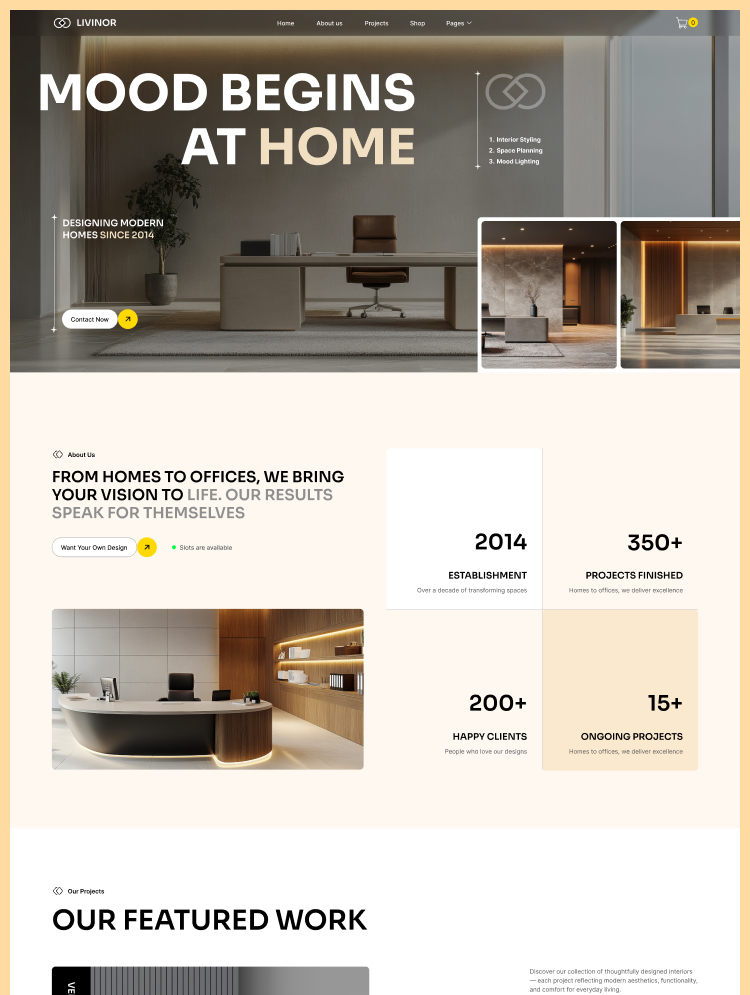

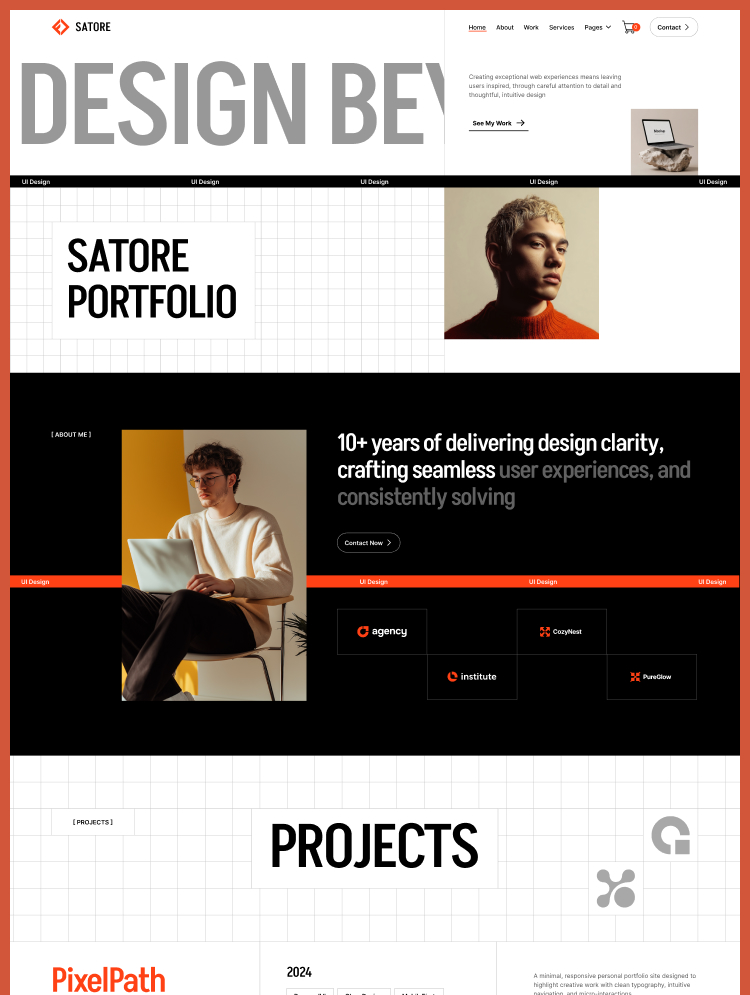
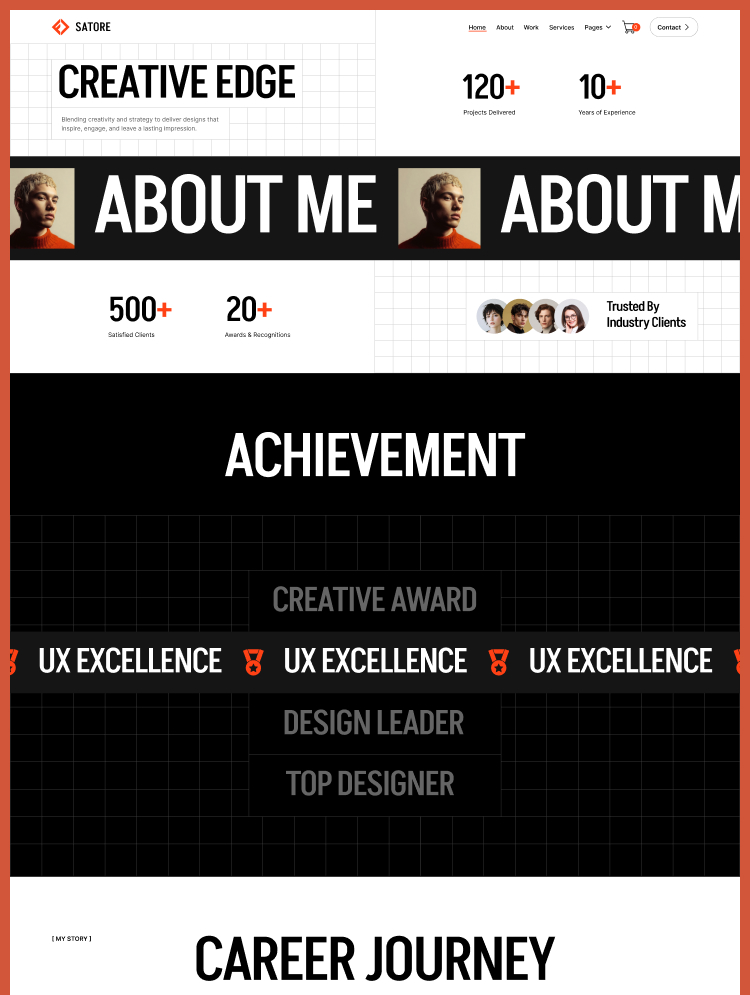
Launch your website quickly, make a lasting impression, and boost your conversions with ease.